

How to Fill Out a Cheer 8-Count Sheet (Coach's Guide)
An 8-count sheet is the single most useful document you can hand your music producer. It maps your routine count-by-count — stunts, tumbling, voiceovers, transitions, ending hit — so your custom cheer music gets built around the actual performance, not the other way around.
This guide walks you through how to actually fill one out: what to write in each section, what details producers need, what to skip, and how to avoid the common mistakes that lead to mixes that don't quite hit. Grab the free printable 8-count sheet from Limelight Music Productions and follow along.
Just want to know how many 8-counts are in your mix length? That's a separate question — head to the how many 8 counts are in a cheer routine guide for the exact breakdown by mix length.
Before You Start Filling Out Your Sheet
The fastest way to a clean 8-count sheet is to lock in three things first:
- Your mix length — 1:30, 1:45, 2:00, 2:15, or 2:30. This determines how many rows you'll need to fill out.
- Your section count — use the Cheer Music 8-Count Calculator to get the exact number of 8-counts in your mix. Cross-reference with the routine timing cheat sheet to plan section lengths.
- Your routine theme and concept — even a rough idea ("space mission," "purple suits," "queen energy") gives the producer creative direction.
With those three locked, you're ready to fill in the sheet.

Step-by-Step: How to Fill Out Your 8-Count Sheet
Your project info goes in the New Level Music Control Room. The 8-count sheet itself focuses on the routine's structure — Routine Section column on the left, count grid in the middle, Requests section at the bottom. Work through it in this order:
Step 1 — Submit your team info in the New Level Music Control Room
Before you fill out the 8-count sheet itself, your team's project info goes in the Team Info section of the New Level Music Control Room — not on the 8-count sheet.
In the Control Room, fill in:
- Team name (exact spelling as you want it in voiceovers)
- Gym or program name
- Division and level (e.g., "Senior L4 All-Girl")
- Routine length (1:30, 2:00, etc.)
- Competition season
- Theme or concept
This becomes the project record the producer references. The 8-count sheet itself then focuses purely on the routine's structure — sections, skills, transitions, and requests — which is what the remaining steps walk through.
Step 2 — Fill in the Routine Section column on the left side of the sheet
The 8-count sheet has a Routine Section column on the left-hand side — this is where you label what part of the routine each row belongs to. Do not skip this column.
If you only fill in skills in the main grid without labeling the section, the producer has no way to tell whether you're in the intro, stunts, dance, or ending. The section label gives the producer the energy arc — they can't engineer build/drop/release moments without it.
Most cheer routines follow some variation of these sections, in order:
- Intro
- Standing tumbling
- Stunt 1 (often the opening stunt)
- Running tumbling / jumps
- Pyramid
- Dance
- Ending
For every row of the count grid, fill in the corresponding section label on the left. If a section spans multiple rows, label every row — don't just label the first one and assume the producer will figure out the rest.
Step 3 — Mark your big skill HIT counts
For every major skill, mark the count where the skill hits — the peak, the payoff, the moment everything lands. Do not mark the dip or prep count.
This matters because the producer engineers the music to hit hard on whatever count you write down. If you mark the dip count by accident, the music's impact will land before your skill does.
Examples of hits to mark (not the prep):
- Scale stunt — if you dip on count 7 and hit the scale on count 8, mark count 8
- Extension — mark the count the flyer locks out at the top, not the count you load on
- Pyramid — mark the count the pyramid is fully built, not the load/press counts
- Tumbling pass — mark where the last skill lands (the punch front, the back tuck), not where the run starts
- Jumps — mark the count of the jump apex, not the prep
- Final ending hit — mark the count the team freezes on
If you're not sure whether to mark the dip or the hit, the rule is simple: mark the count you want the music to slam on.
Step 4 — Note transitions and walks
Walks between sections are easy to forget but they affect pacing heavily. Mark them so the music doesn't drop energy at the wrong moment. Example: "8-count walk after pyramid before dance."
Step 5 — Confirm the ending
The ending hit is the most important count in the routine. Note exactly where it falls and what's happening: "Final hit on count 1, full-team motion, freeze." This is the moment the producer engineers the most carefully.
Voiceovers, Raps, and Sound Effects Go in the Requests Section
Here's the most important thing to understand about the 8-count sheet: voiceover, rap, and sound effect requests do not go on the count grid itself. They go in the Requests section of the sheet.
The 8-count grid shows the routine structure — sections, skills, transitions, hits. The Requests section is where you tell the producer exactly what you want to hear and where it should land.
For every voiceover, rap, or sound effect request, write down three things:
- What you want said or heard (the exact words or sound)
- The line number on the 8-count sheet (so the producer knows which row of the routine)
- The specific count(s) the words or sound should land on
Examples that work:
- Line 1, count 1: "Eclipse Allstars to Mission Control" voiceover before the opening stunt
- Line 5, counts 5-6-7-8: "Show 'em what we got!" — one word per count
- Line 9, count 1: Air horn on full-team motion
- Line 12, counts 1-8: Rap section before dance starts
- Line 16, count 1: Impact hit on the final ending freeze
The more specific you are — line number AND count — the more precisely the producer can place the audio so it locks to the choreography.
How to Format Your Requests Section
Producers process a lot of 8-count sheets. The faster they can find your actual asks, the better the result. Format your Requests section as short, specific bullet points. Skip the backstory.
The producer needs to know what you want, not why you want it. Long paragraphs of context make it harder to mine out the actual requests.
Do this:
- Theme: Space mission
- Vibe: High-energy, futuristic
- Line 1, count 1: "Eclipse Allstars to Mission Control" VO
- Line 5, counts 5-6-7-8: "Show 'em what we got" rap-style
- Air horn on every full-team motion
- Song request: [link to song page in the music library]
Not this:
"So last year our theme was disco and the girls really loved it and Lauren our head coach was telling me how she wanted to do something completely different this year so we decided on space because the team has been calling themselves astronauts since summer and Andy if you could put something about mission control at the beginning that would be cool, and then later in the routine maybe a voiceover or something..."
The first version takes 5 seconds to read and gives the producer everything they need. The second version takes 5 minutes to mine and the producer still has to guess.
How to request specific songs
If you want a specific song included in your mix, send a link to the song's page from the music library. Just listing the song title and artist isn't enough — producers need the licensed library page so they can verify the track is available for cheer use.

What to Include on a Cheer 8-Count Sheet
The sheet itself should focus on the routine's structure and music cues. (Team info — name, gym, division, length, season, theme — goes in the Control Room, not on the sheet.)
What to include on the sheet:
- Routine Section column labels (every row, left-hand side)
- Stunt sections (with HIT counts)
- Tumbling sections (with HIT counts)
- Jump sections (with HIT counts)
- Pyramid section (with HIT count)
- Dance section
- Transitions and walks
- Ending hit timing
- Voiceover, rap, and SFX requests in the Requests section (with line + count)
- Song requests with library page links (in Requests)
What to Skip on a Cheer 8-Count Sheet
A good 8-count sheet should be clear and useful. Too much unrelated detail makes it harder to understand the routine.
In most cases, you don't need to include every athlete's name, every arm motion, or every small movement unless it directly affects the music. Focus on the moments where the music needs to respond to the routine.
Skip or limit:
- Individual athlete names unless needed for a specific voiceover
- Minor motions that don't affect the music
- Overly long explanations in every box
- Unclear notes like "make this cool" without context
- Duplicate information repeated across the sheet
- Backstory in the Requests section — keep requests short and factual
Common Voiceover and Sound Effect Request Patterns
The most effective voiceover and sound effect placements tend to follow predictable routine moments. Use these as a starting point when filling out your Requests section:
- Voiceover before stunt hits — builds anticipation, signals the upcoming skill
- Sound effect on a full-team motion — emphasizes synchronization
- Rap section before dance — bridges the energy shift
- Chant during a transition — fills walk space with crowd energy
- Impact hit on the final count — punctuates the ending freeze
Remember: write these requests in the Requests section with the line number and exact count, not in the count grid itself.
If your routine needs heavy custom voiceovers, raps, or chants, Limelight's Headliner+ Package is built for that level of customization. The Centerstage X package goes further with fully original lyrics, raps, and chants written exclusively for your team.

Pair Your Sheet With a Routine Video — Four Specific Requirements
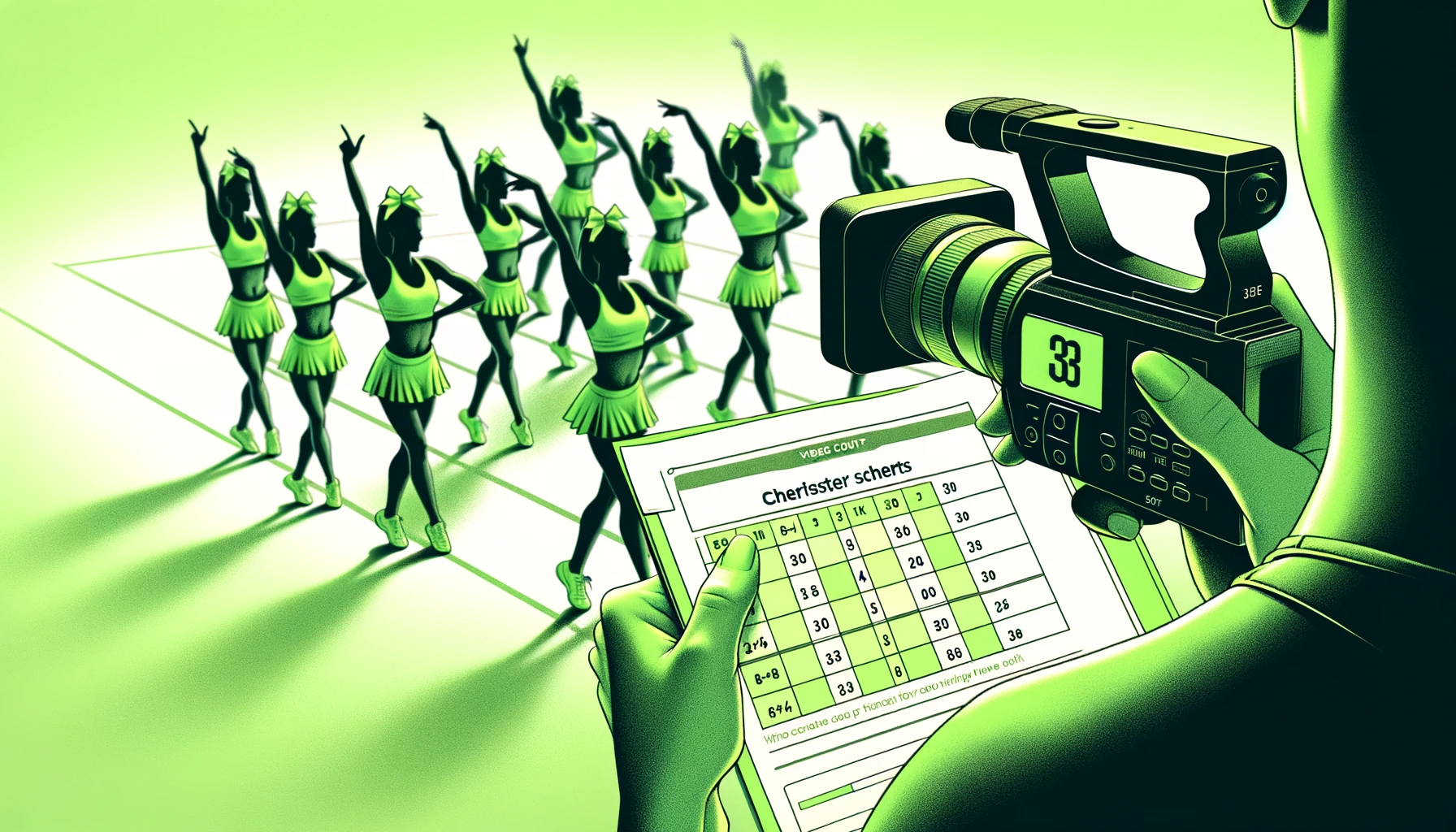
A routine video alongside the 8-count sheet is the gold standard. The sheet explains the count structure; the video shows the actual movement, pacing, formations, and timing.
But the video has to be the right kind of video. To be useful for production, your routine video must meet four requirements:
1. Choreographed to a New Level Music 8-count beat track
The video must be performed to a clean New Level Music 8-count beat track — not silence, not your old mix, not a custom-counted recording. The 8-count beat track gives the producer a shared reference so they can hear exactly where each count lands and align music to skills.
2. No yelling or counting over the top of the video
Do not count out loud over the video. Do not yell motivation or corrections during the run. The producer needs to hear the beat track cleanly to time the music — overlapping vocals make that impossible.
If you need to count for the athletes during practice, record a separate clean version with just the beat track and the routine.
3. Full out — not marking
The video should be a full-out performance, not a marking session. Full skills, full energy, real formations, real ending hit. Marking videos hide the actual timing and intensity the music needs to match.
4. The 8-count sheet must match the video exactly
Before submitting, watch your video with the 8-count sheet in front of you and verify they match count for count. The most common production-delaying mistake is when a coach drops an 8-count somewhere on the sheet that the video doesn't actually drop — or vice versa.
Double-check the section count, the skill counts, and the ending count all match between the sheet and the video. If they don't, the producer has to stop and ask which one is correct, which delays your mix.
Real-Life Example of an 8-Count Sheet
Looking at a real filled-out sheet is one of the fastest ways to see how much detail to include. The goal is to provide enough information to guide the producer without making the sheet confusing.
View this 8-count sheet example to see how routine notes are typically organized for custom cheer music.

Common 8-Count Sheet Mistakes
Most 8-count sheets that confuse producers or delay production fall into one of these patterns:
- Leaving the left-hand Routine Section column blank — producers can't tell what section you're in without it
- Marking the dip or prep count instead of the skill HIT count — the music will slam at the wrong moment
- Writing voiceover or rap requests in the count grid instead of the Requests section — they need to go in Requests with line + count specified
- Writing paragraphs of backstory in the Requests section — producers need concise bullet points, not narratives
- Listing song titles without library page links — producers need the licensed source, not just a title
- Recording the video without a New Level Music 8-count beat track — without a shared reference, the producer can't time the music to the choreography
- Counting or yelling over the video — drowns out the beat track the producer needs to hear
- Marking the routine instead of going full out on video — hides the actual timing and energy
- Sheet and video don't match — usually a dropped 8-count somewhere; verify before submitting
- Leaving major routine sections blank
- Not marking the dance section
- Writing vague notes like "music drops here" without timing
- Forgetting to mention the ending hit
What Happens After You Submit
Everything funnels through the New Level Music Control Room — your team info, 8-count sheet, routine video, and song requests all submit there as one organized package.
From there, the producer uses your sheet as the routine blueprint — building transitions where you marked them, placing voiceovers on the counts you specified, and engineering the ending hit to land exactly where your team freezes.
The clearer your 8-count sheet, the more cleanly your video matches it, and the more concise your requests — the more precisely the music supports the performance.

Ready to Build Your Custom Cheer Music?
Limelight Music Productions creates fully licensed custom cheer music for teams that need music built around routine timing, choreography, 8-counts, transitions, and performance goals.
Start with the tools you need:
- Download the template — free printable 8-count sheet
- Calculate your counts — Cheer Music 8-Count Calculator
- Lock in your section timing — routine timing cheat sheet
- Compare packages — pricing and package options
- Book your mix — book your custom cheer music
Limelight Music Productions is proud to be The Definition of Cheer Music.